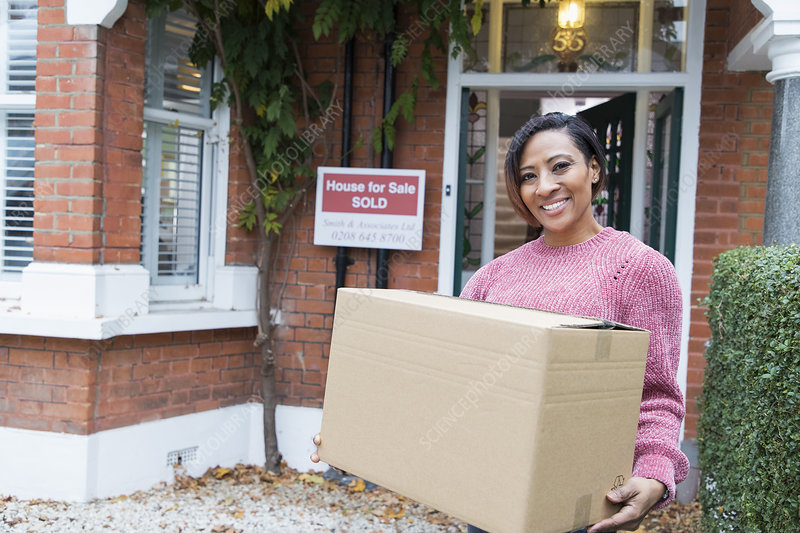
Moving into a new home comes with a lot of excitement and responsibility, especially when the house is already equipped with a Vivint security system. Whether you are new to smart home technology or already familiar with it, understanding how to set up and optimize your Vivint system is crucial for a smooth transition. This article will guide you through everything you need to know about moving into a house with Vivint, from system activation to customization and troubleshooting.
Understanding Vivint Smart Home Systems
Vivint is a leading provider of smart home security systems that offer advanced automation and surveillance features. Their systems typically include doorbell cameras, motion detectors, smart locks, and a central control panel that can be accessed remotely via a mobile app.
Key Features of a Vivint Smart Home System
- 24/7 Professional Monitoring: Vivint offers round-the-clock security monitoring to protect your home from intruders, fire, and other emergencies.
- Smart Locks and Access Control: You can lock and unlock doors remotely using the Vivint app.
- Security Cameras: Indoor and outdoor cameras provide real-time video surveillance.
- Smart Thermostats and Lighting: Optimize energy efficiency with automated climate and lighting controls.
- Integration with Smart Assistants: Vivint works with Google Assistant and Amazon Alexa for voice-controlled automation.
Steps to Take When Moving Into a House With Vivint
1. Determine System Ownership
Before using the Vivint system in your new home, confirm whether the equipment is owned outright or leased. If the previous homeowner was under a contract, you may need to assume the agreement or start a new one.
2. Contact Vivint Customer Support
Reach out to Vivint’s customer support to update the account information, transfer ownership, or set up a new account if necessary. The support team can also help reset passwords and configure system preferences.
3. Perform a System Check
Conduct a full inspection of the system components to ensure all devices are functional. Check the following:
- Door and window sensors
- Smart locks
- Security cameras
- Smoke and CO detectors
- Control panel functionality
4. Customize Your Security Settings
Once the system is active, customize settings to match your lifestyle. Some key adjustments include:
- Setting up unique access codes for family members.
- Configuring motion detection sensitivity.
- Scheduling smart lighting and thermostat settings for energy efficiency.
5. Install the Vivint Mobile App
Download the Vivint Smart Home app to control and monitor your system remotely. This app allows you to:
- Arm and disarm the security system.
- View live camera footage.
- Adjust smart home settings.
- Receive security alerts and notifications.
Managing a Vivint Subscription and Fees
Vivint offers various service plans based on security and automation needs. If the previous homeowner had an active contract, discuss transfer options with Vivint. Be aware of:
- Monthly monitoring fees
- Potential early termination fees if you choose to cancel the contract
- Upgrade options for additional security features
Troubleshooting Common Issues
1. System Offline Errors
- Check your home’s Wi-Fi connection and reboot the router if necessary.
- Ensure the Vivint control panel has power.
2. Doorbell Camera Not Working
- Confirm that the device is properly connected to the network.
- Check the battery level and charge if needed.
3. False Alarms
- Adjust motion sensitivity settings.
- Ensure all sensors are properly aligned and not obstructed.
Final Thoughts
Moving into a house with Vivint can be a seamless experience with proper setup and customization. By taking the right steps to verify system ownership, updating account information, and optimizing security settings, you can enjoy the benefits of a smart, secure home.